+263 773 924 036
+263 778 327 325
info@salesintellectpos.com
  • HOME
  • FEATURES
  • PRODUCTS
    • Sales Intellect Point Of Sale
  • PRICING
  • BLOG
  • HELP
Sales Intellect POS

How to add a USB or Bluetooth Printer In Sales Intellect Point Of Sale System

Sales Intellect User Manual
3 months ago
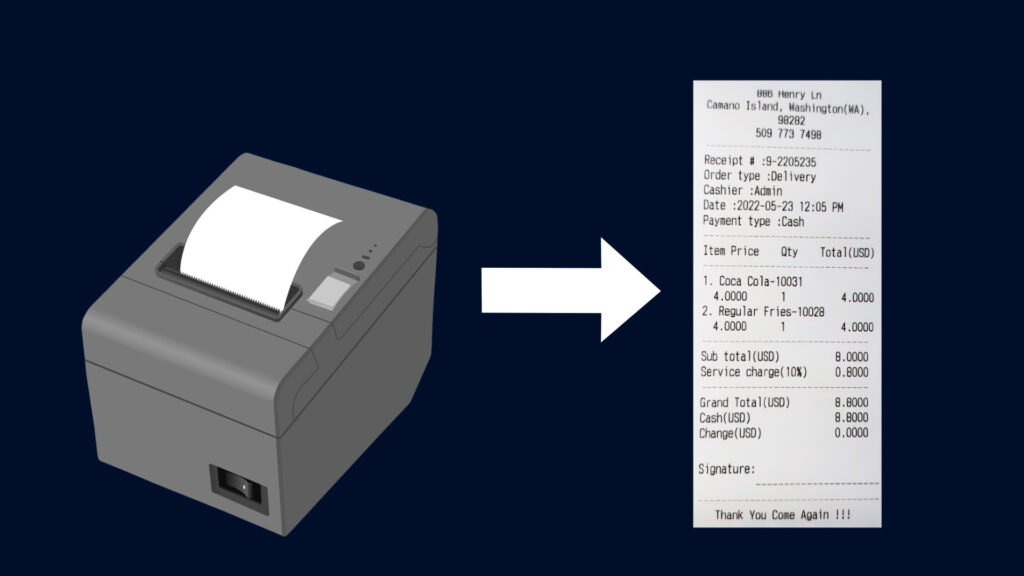
How to Set Up Printers Sales Intellect POS supports a wide range of printer brands, including popular models like EPSON, ZEBRA, Star Printer, Xprinter, SUNMI, Blue Bamboo, BIXOLON, SCANGLE, and…
Sales Intellect POS – How To Update Subscription Payment Details

Sales Intellect User Manual
8 months ago
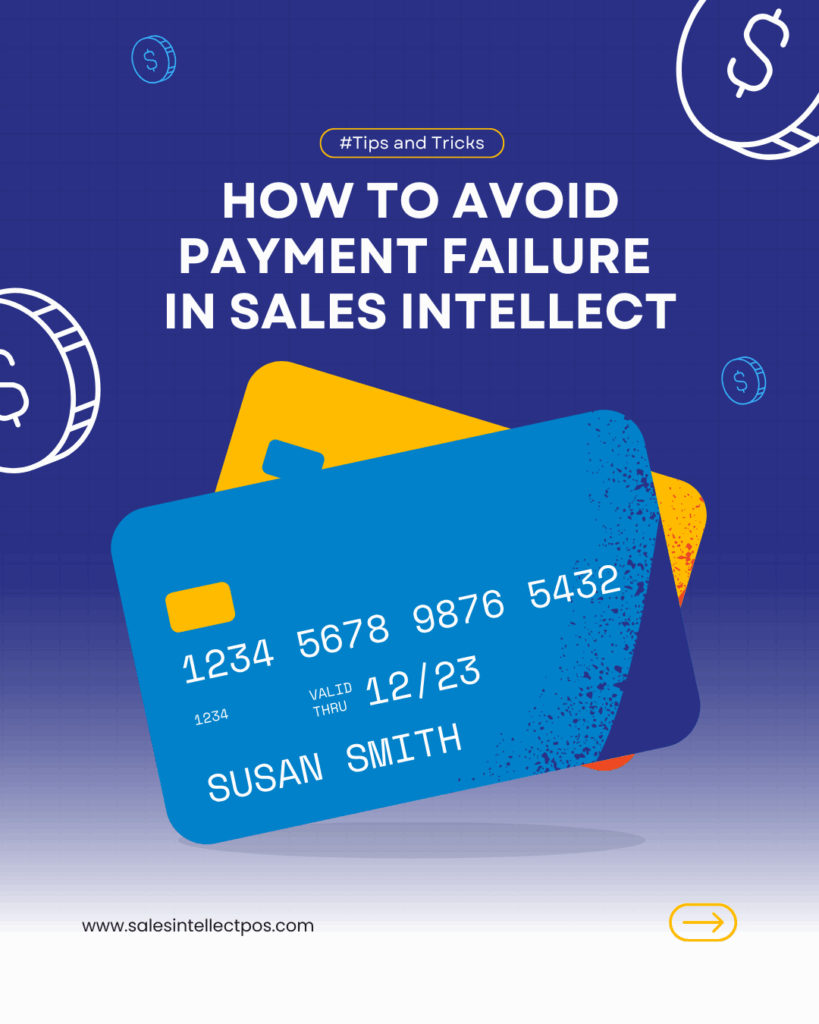
How to Resolve Card Payment Failures in Sales Intellect POS If you’re experiencing card payment failures in your Sales Intellect POS account, it could be due to incorrect card details…

How To Setup Kitchen or Bar Printers in Sales Intellect

Sales Intellect User Manual
1 year ago
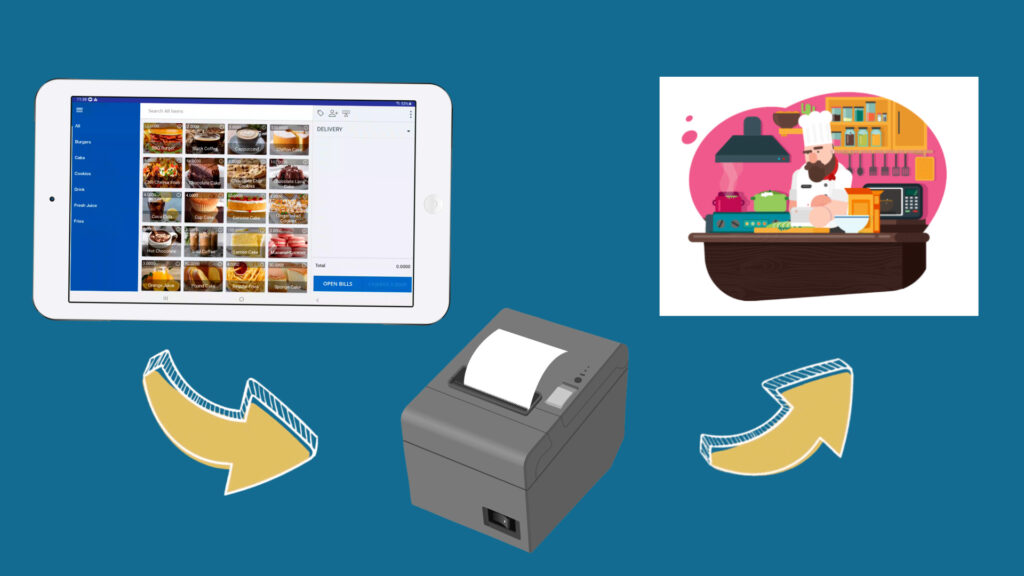
1. Key considerations You can set up several Kitchen Order Ticket (KOT/BOT) printers in the POS system. If your business has several POS terminals, we recommend that you use more…

How To Use Open Orders Function

Mobile Point Of Sale, Point of sale system, Sales Intellect User Manual, Uncategorized
1 year ago
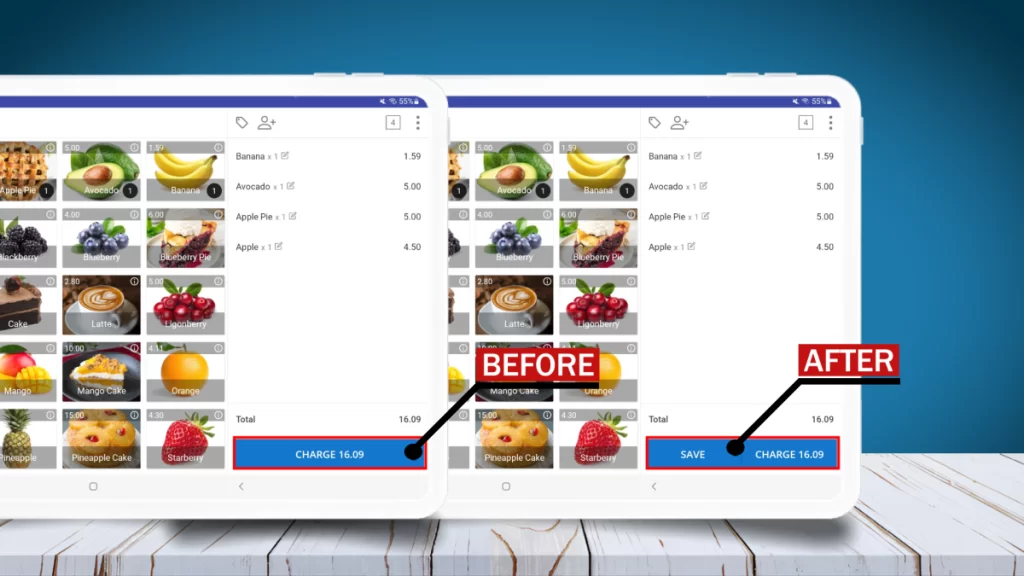
How to use Open Orders Feature 1. Use Open Orders Function   Sales Intellect POS System allows user to put a receipt on hold when the customer wants to add…

Sales Intellect Software

  • Terms and Conditions
  • Privacy Policy

Recent Posts

ZIMRA FDMS POS Fiscalization: The Complete 2026 Guide for Zimbabwean Businesses
19 Feb at 2:14 pm
How to add a USB or Bluetooth Printer In Sales Intellect Point Of Sale System
December 6, 2025
Sales Intellect POS – How To Update Subscription Payment Details
June 26, 2025

Contacts

info@salesintellectpos.com
+263773924036
+263778327325
53 Samora Machel Ave, Karigamombe Center, Harare

© SALES INTELLECT POS

  • Home
This website uses cookies to improve your experience. If you continue to use this site, you agree with it.